Capture the full page
Save a standard scrolling webpage from top to bottom as one PNG.
Capture an entire scrolling webpage, one HTML element, or any area you draw. Preview the result and save it as a clean PNG, all from one focused Chrome extension.
No account · Local processing · No screenshot uploads
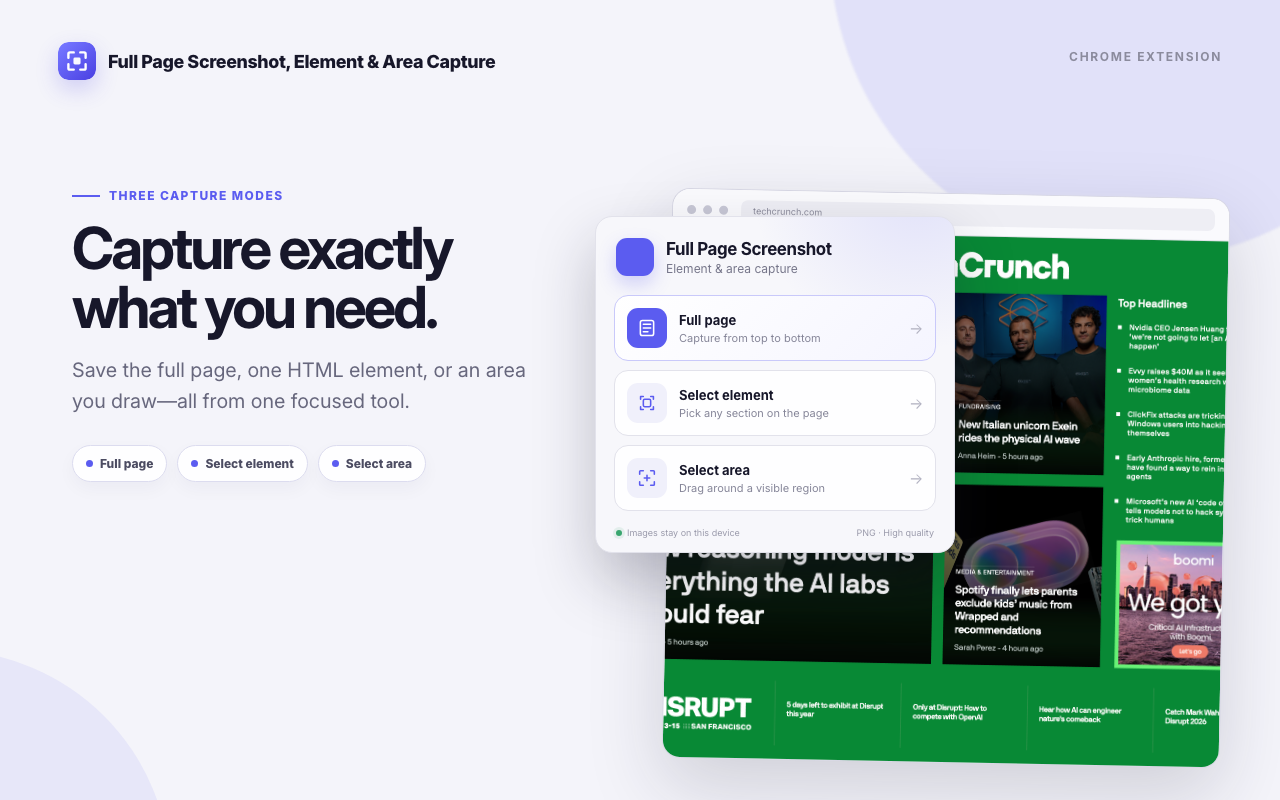
Pick the mode that matches what you actually need out of the page.
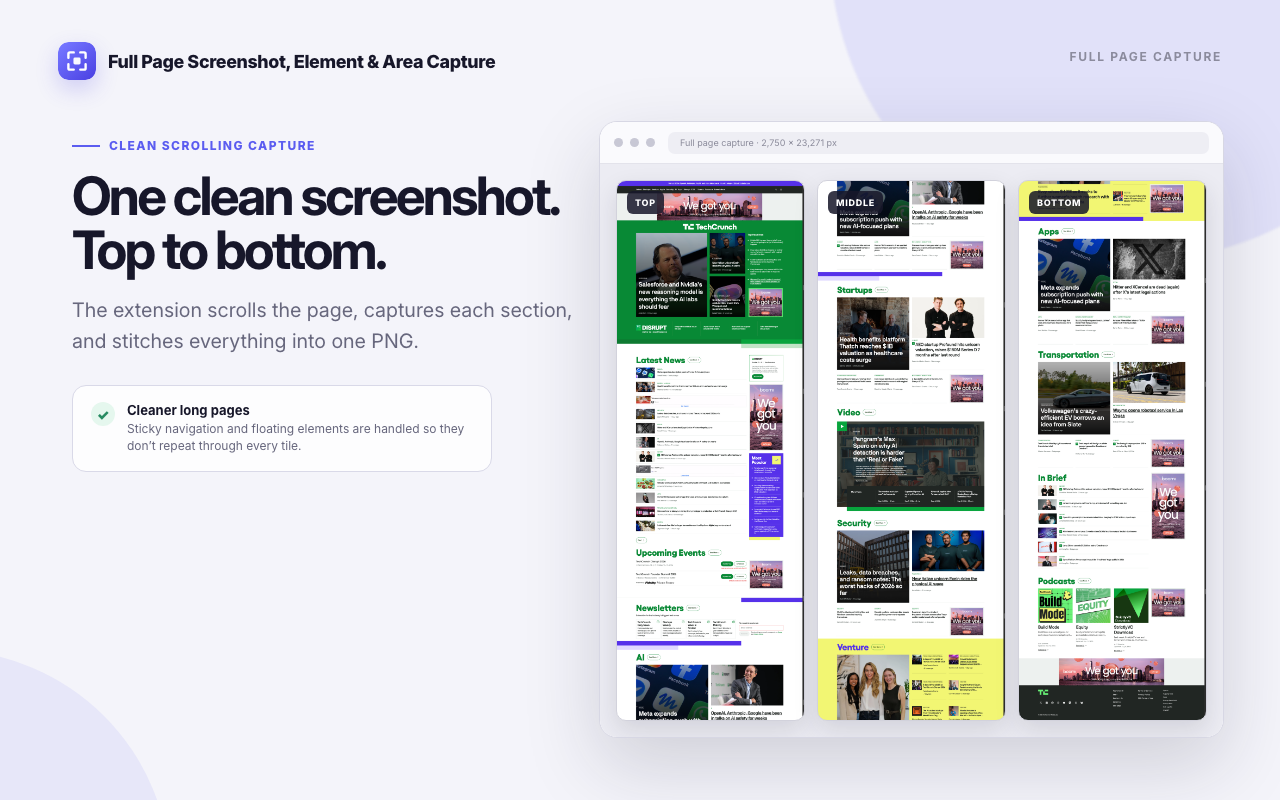
Save a standard scrolling webpage from top to bottom as one PNG.
Hover, click, and isolate a card, article, panel, hero section, or other HTML element.
Drag around any visible region when you need a quick, precise crop.

Three steps, no setup, no account.
Open the toolbar popup and choose Full page, Select element, or Select area.
For scrolling captures, keep the source tab active while it moves through the page and stitches the tiles.
Review the PNG, copy it to the clipboard, or download it to the device.
A full-page capture scrolls the page, grabs one viewport tile at a time, and stitches the tiles into a single PNG. While it stitches, it tries to suppress the fixed and sticky elements that would otherwise reappear in every tile: floating navigation, cookie banners, chat bubbles, back-to-top buttons.
Sites build those elements in different ways, so treat it as a strong default rather than a guarantee. When a layout fights the stitcher, Select element or Select area will still give you a clean crop.
Select element reads the page structure instead of guessing at pixels. Hover to highlight the element under your cursor, click to lock it in, and the capture is cropped to that element's real boundaries. If the element runs past the bottom of the viewport, it still comes out in one piece.
Select area works the other way around. Drag a rectangle over anything currently on screen and take exactly that.
Capturing, stitching, previewing, and exporting all run inside the extension in Chrome.


Version 1.0.0 is finished and submitted to the Chrome Web Store. The public listing is not live yet, so there is no install link to give you today. This page will carry the real install button the moment Google publishes it.
In the meantime, the extension privacy policy covers exactly what it handles, and our other Chrome extensions are already available.
Three capture modes, one PNG out the other side, and nothing leaving your browser.